Merchant Services

Payment workflows
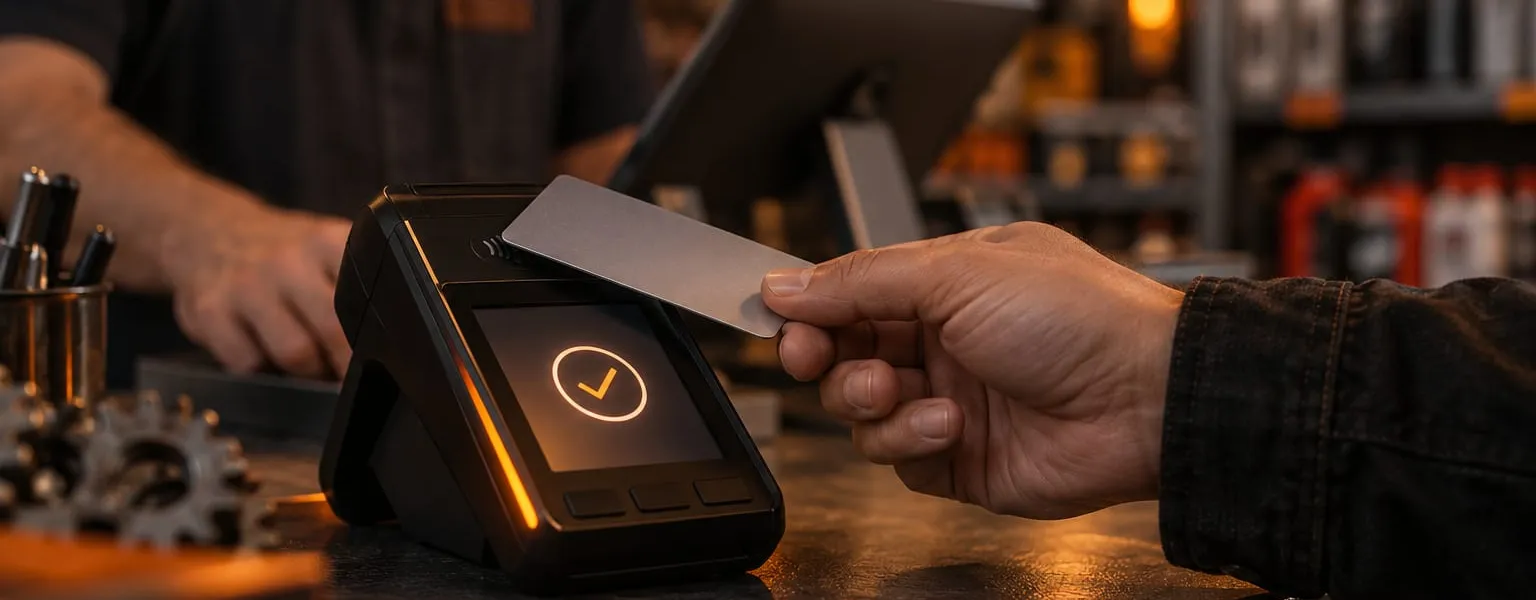
Counter, mobile or remote: match the hardware to how you get paid.
-
At the counter
POS and card terminals.
-
On the move
Mobile payment options.
-
Remote
Remote payment workflows.
-
Approval terms
Available hardware and features depend on North's current offer and approved account terms.
Compare Payanywhere payment workflows.
This page compares Payanywhere payment-workflow options. Consider checkout, staff, location, and reporting needs; available hardware and features depend on North’s current offer and approved account terms.
Payanywhere is North’s payment platform for businesses that need to take payments at a counter, on the move, or remotely. The right hardware and features depend on the merchant’s workflow and approved account setup.
Choose how your business gets paid
These are capabilities to ask North about for a particular device, approved account, and transaction type—not features included with every setup.
- In-store payments
Compare card and wallet acceptance, PIN debit or EBT where available, and the specific device’s options for refunds, tickets, tips, and receipts. Confirm each feature and any offline behavior for the proposed device and account.
- Mobile and job-site payments
Ask whether a mobile app with a compatible reader or an eligible Tap to Pay on iPhone setup fits the approved account and work location.
- Online payments
Compare invoice, recurring-payment, saved-card, payment-link, and virtual-terminal options. Availability, workflow, and pricing depend on the specific account and transaction type.
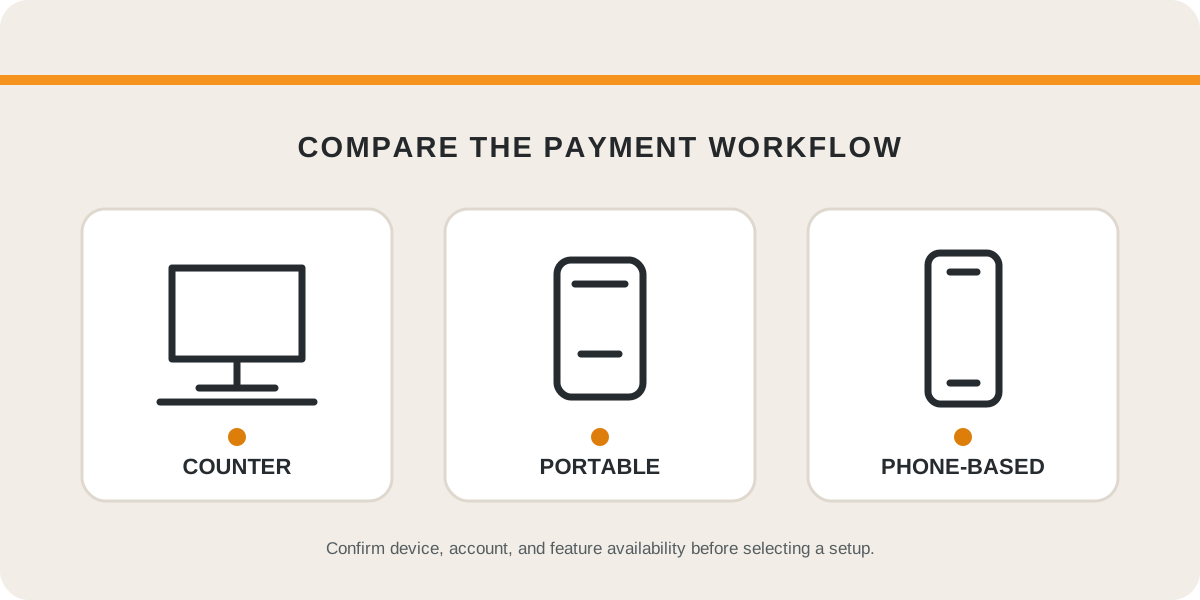
Side by side: three ways to take payments
| Topic | At the counter POS and card terminals | On the move Mobile payments | Beyond the counter Online payments and invoices |
|---|---|---|---|
| Where it tends to fit | Storefronts, service desks, and table-side sales. | Contractors, mobile teams, events, deliveries, and job-site payments. | Invoices, payment links, recurring billing, and remote orders. |
| Options to ask about | Countertop point-of-sale systems, smart terminals, and customer-facing PIN pad options. | A Bluetooth reader paired with a compatible phone or tablet, portable smart terminals, and Tap to Pay on iPhone where supported. | Invoices, recurring payments, saved payment methods, payment links, and a virtual terminal. |
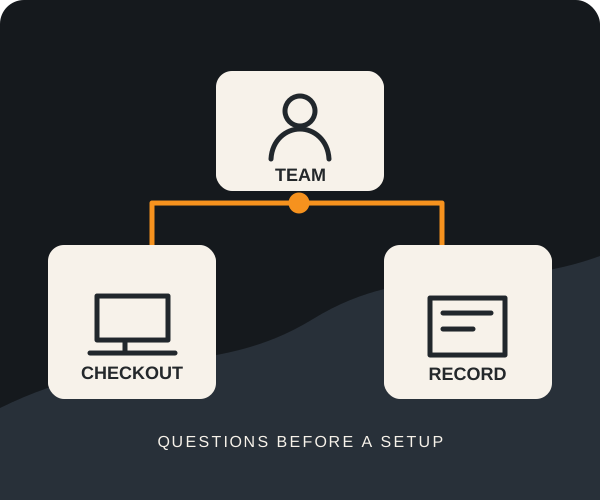
| Questions to settle first | Where will the device sit, who will use it, and which systems must work with it? | Do staff take payment on site or send an invoice later, and how reliable is service where they work? | Which invoice, recurring-billing, and reporting needs matter, and how will payments be reconciled with the rest of the business? |
Availability, eligibility, pricing, and terms depend on the specific device, approved account, and transaction type, and are confirmed in North's current offer and final account documents.
Hardware for the counter, the floor, or the road
Payanywhere presents device categories for different business workflows — from point-of-sale systems to smart terminals and mobile readers. A useful comparison covers internet, Wi-Fi, device placement, reporting needs, staff process, and North’s current device/account eligibility.
- Countertop POS systems for retail, restaurant, and front-counter environments
- Smart terminals for flexible checkout at the counter, table, or service desk
- Mobile readers for contractors, mobile teams, events, deliveries, and job-site payments
- Tap to Pay on iPhone where eligible and appropriate
- Receipt options by print, email, or text
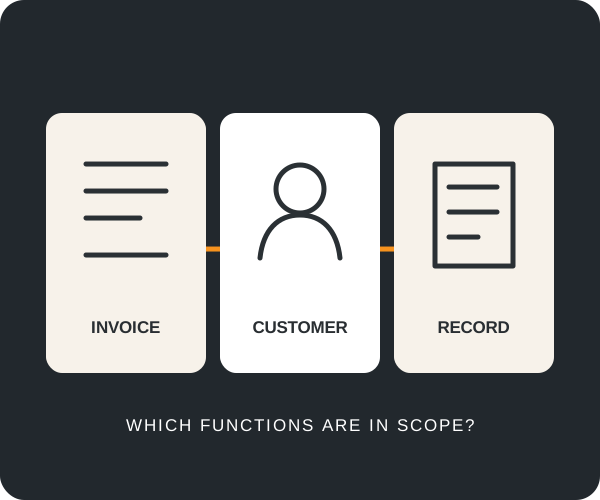
Ask which of these functions are available under the specific device, approved account, and applicable North terms.
- Invoices and recurring payments
Ask whether the proposed account supports invoice creation, repeat billing, payment status, reminders, and a customer payment portal.
- Virtual terminal
Confirm whether virtual-terminal payments, itemized sales, and phone-order workflows are available and how they are priced. Hosted online checkout and payment links may have different terms.
- Business visibility
Identify which deposit, transaction, refund, dispute, inventory, staff, and customer reports matter; confirm access for the proposed account.
Payanywhere capabilities to confirm for a specific account
The following are comparison topics, not a promise that every device or account includes each function. Confirm eligibility, device support, transaction types, pricing, and terms with North.
- In-store, mobile, online, and job-site payment acceptance
- Credit, contactless, EMV chip, magstripe, PIN debit, EBT, cash, and Apple Pay-style wallet acceptance where supported
- Smart terminals, mobile readers, countertop POS systems, and Tap to Pay options
- Inventory tools, open tickets/tabs, employee permissions, customer profiles, tips, and branded receipts
- Invoices, recurring billing, saved payment methods, autopay, payment links, and virtual terminal workflows
- Reporting for deposits, sales activity, transactions, refunds, voids, disputes, inventory, customers, and employees
- Security controls and handling responsibilities for the selected payment workflow
Where WOLFTRAXX SYSTEMS fits
Payments are not isolated from the rest of the business. They depend on the same operational stack as everything else: internet reliability, Wi-Fi coverage, endpoints, cybersecurity, staff workflow, reporting, vendor coordination, and continuity planning.
WOLFTRAXX SYSTEMS can discuss how proposed payment tools depend on internet, Wi-Fi, devices, and staff workflow. Any installation, integration, vendor coordination, or ongoing support must be separately scoped in writing.
What a payment conversation looks like
Step 1: Describe your checkout
Tell us where you take payments today, what slows checkout down, which systems must work together, and whether you already have hardware or a processing statement to compare.
Step 2: Compare the options
Match your checkout, staff, location, and reporting needs against the Payanywhere counter, mobile, and online paths.
Step 3: Confirm with North
Confirm product availability, merchant approval, pricing, processing terms, and equipment in North's current offer and final account documents.
Step 4: Plan the technology around it
Internet, Wi-Fi, devices, and staff workflow all affect payments. Any installation, integration, vendor coordination, or ongoing support is scoped separately in writing.
Workflows to compare
- Retail shops and convenience stores
- Restaurants, quick-service, bars, and counter-service environments
- Contractors, mobile teams, events, deliveries, and job-site payments
- Healthcare, wellness, appointment-based, and service businesses
- Ecommerce, phone-order, invoice-based, and hybrid sellers
- Businesses that want better checkout tools, reporting, and POS hardware
Explore the numbers
The calculator is an illustrative published-rate comparison, not confirmed savings or a price quote. A meaningful discussion looks at the full statement, eligible transaction mix, equipment, software, and account terms.
PAYMENT PROCESSING COMPARISON
Compare your statement with published example rates.
Enter the totals from one recent merchant statement. We compare your transaction-based charges with a simplified model of Payanywhere's published pay-as-you-go rates. Both sides cover transaction charges only. The difference is not confirmed savings or an offer for your account.
Enter valid statement totals to see a comparison.
Nothing is calculated until monthly sales, transaction charges and transaction count are all valid.
The modeled published-rate cost is $157.75 less per month than the entered fees—not confirmed savings.
- Your effective rate (transaction charges)
- 3.50%
- Modeled effective rate
- 2.87%
- Illustrative monthly difference
- $157.75
The illustration uses the payment mix and transaction count you entered. It compares transaction-based charges only on both sides: monthly, statement, PCI and other account fees, hardware, optional software, chargebacks, non-processing services, taxes and custom pricing are excluded.
Everything is calculated in your browser. The calculator does not submit or store your entered statement values, and the statement-review link does not carry them.
Illustration only. Published pay-as-you-go rates are used for a simplified, transaction-charge-only comparison of in-person and eligible keyed, virtual-terminal, or keyed invoice transactions—not hosted online checkout or payment links. Actual costs depend on approval, card mix, transaction types, equipment, other fees, and account terms. This is not a quote or confirmed savings.
Ask about a statement review. Please do not send a processing statement or account details through the inquiry form; we will agree a secure exchange route first.
Common questions
What is Payanywhere?
How do I choose between a countertop system, a mobile reader, and online payments?
Will I save money by switching?
Who decides pricing, hardware availability, and approval?
Does WOLFTRAXX SYSTEMS install and support the payment setup?
What should I bring to a conversation?
Compare options and next steps
Compare Payanywhere product information with your checkout requirements. Confirm product availability, merchant approval, pricing, processing terms, and equipment in the provider’s offer and final account documents. Talk with WOLFTRAXX SYSTEMS about your payment workflow before deciding what to change.
Thinking about how you take payments?
Let's talk.
Tell us where you accept payments today and what you would like to change. Call or email WOLFTRAXX SYSTEMS directly. Please do not email full statements or card details.