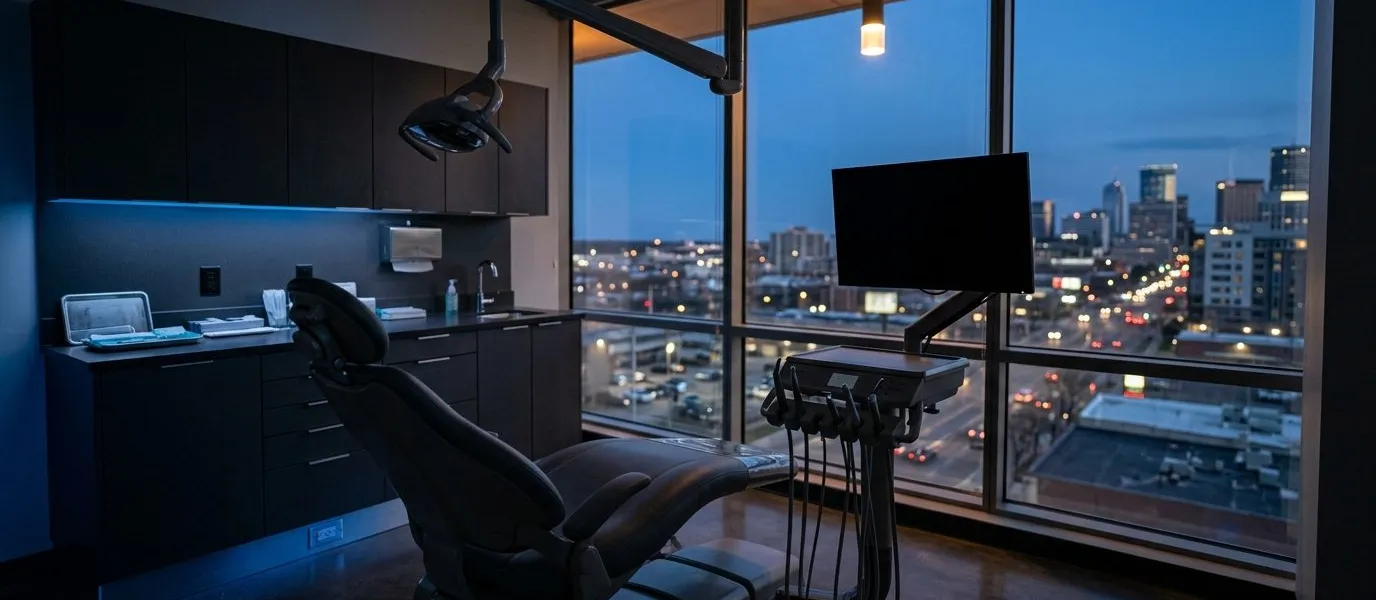
IT for Dental Practices
The schedule is full. The systems cannot be the bottleneck.
A dental office is a small clinical environment with a lot of technology packed into it: practice-management software, digital imaging, operatory workstations, a front desk that schedules and bills, phones that ring all day, and patient communication tools. Each piece has its own vendor, and when something fails the finger-pointing starts. WOLFTRAXX SYSTEMS can help a practice own the whole environment so the staff has one place to call and the vendors are coordinated rather than blamed.
What a dental office usually needs to sort out
- Practice-management and imaging. Workstations, servers, and the network sized and configured for the practice software and the imaging sensors, panoramic units, and intraoral cameras attached to it, within the vendor’s requirements.
- Protected health information. Sign-in protection, encrypted devices, email filtering, and access that matches each role.
- Operatory and front-desk devices. Standardized workstations with scheduled updates, so an update does not land during the morning huddle.
- Backup and recovery. Know what backs up the patient database and images, where it goes, and how quickly the schedule could be reopened after a failure.
- Phones and patient communication. Business phones, voicemail to email, text reminders, and on-hold messaging; see VoIP Phone Services.
- Payments. Card acceptance at the front desk and online; see Merchant Services.
- Wi-Fi and the network. Separate staff, clinical, and guest Wi-Fi so a patient’s phone never shares the network with the imaging server.
- Practice and imaging systems
Workstations and network sized for your practice software and imaging sensors.
- PHI safeguards
Encrypted devices, role-based access, and email filtering.
- Separated networks
Clinical, staff, and guest Wi-Fi kept apart.
- Front-desk payments
Card acceptance at the desk and online.
Privacy and security responsibilities
Dental practices that handle patient records are typically covered by HIPAA and state medical-privacy rules, which call for safeguards such as risk analysis, access controls, encryption where appropriate, and business-associate agreements with vendors that touch patient data. WOLFTRAXX SYSTEMS provides technology support and planning; it does not provide legal advice or compliance certification, and it does not state that any office or setup meets a particular requirement. Which rules apply to a particular practice depends on its work, and the practice’s own advisor or counsel is the right source for that. Planning can help document what is in place so those conversations are easier. See Compliance Readiness for a plain-language overview of the rules small businesses ask about most.
Software you may already use
Platforms commonly seen in dental offices include Dentrix, Eaglesoft, Open Dental, Curve, Dexis and other imaging software, and patient-communication tools. WOLFTRAXX SYSTEMS supports the computers, network, accounts, and devices those platforms run on; platform-specific work is confirmed as agreed scope, and the vendor remains the source for its own product.
Questions worth asking
- Which vendor supports the practice software, and which supports the computers it runs on?
- Are imaging files and the patient database backed up somewhere other than the server they live on?
- Is every workstation encrypted, and what happens if one is stolen?
- Does guest Wi-Fi share anything with the clinical network?
- Has a restore from backup ever been tested?
How WOLFTRAXX SYSTEMS can help
WOLFTRAXX SYSTEMS can discuss support for workstations and accounts, Microsoft 365 security settings, network planning, backup and recovery readiness, phones, printing and scanning, and the vendor platforms your office runs on. Start a conversation about your office. Support scope, responsibilities, and any pricing are confirmed in writing.
Other industries
Do not see your type of organization? Describe the systems you depend on and we can talk through what a sensible scope looks like. Scope, responsibilities, and any pricing are confirmed in writing.
YOUR TECHNOLOGY PRIORITIES
What would make the workday easier?
A few details to start the conversation. Optional questions can wait. Required fields are marked *.
Existing customer? Use the WOLFTRAXX Support Portal for support, not this sales form.
Do not send a processing statement or account details here. We will agree a secure exchange route first. Nothing entered in the calculator is transferred to this form.
Do not include patient names, health information, images or records.